
Running sprint estimation sessions doesn’t have to feel chaotic or time-consuming. With GoAgile.ai, your team can plan, discuss, and estimate stories in one place — with real-time collaboration, Jira integration, and built-in AI assistance.
Here’s a simple walkthrough of how the process works from start to finish.
Create a new game session: after logging into GoAgile.ai, click “Start New Game” on your dashboard. A game session represents one estimation meeting — for example, “Sprint 42 – Backend Tasks” or “Mobile App Enhancements”.
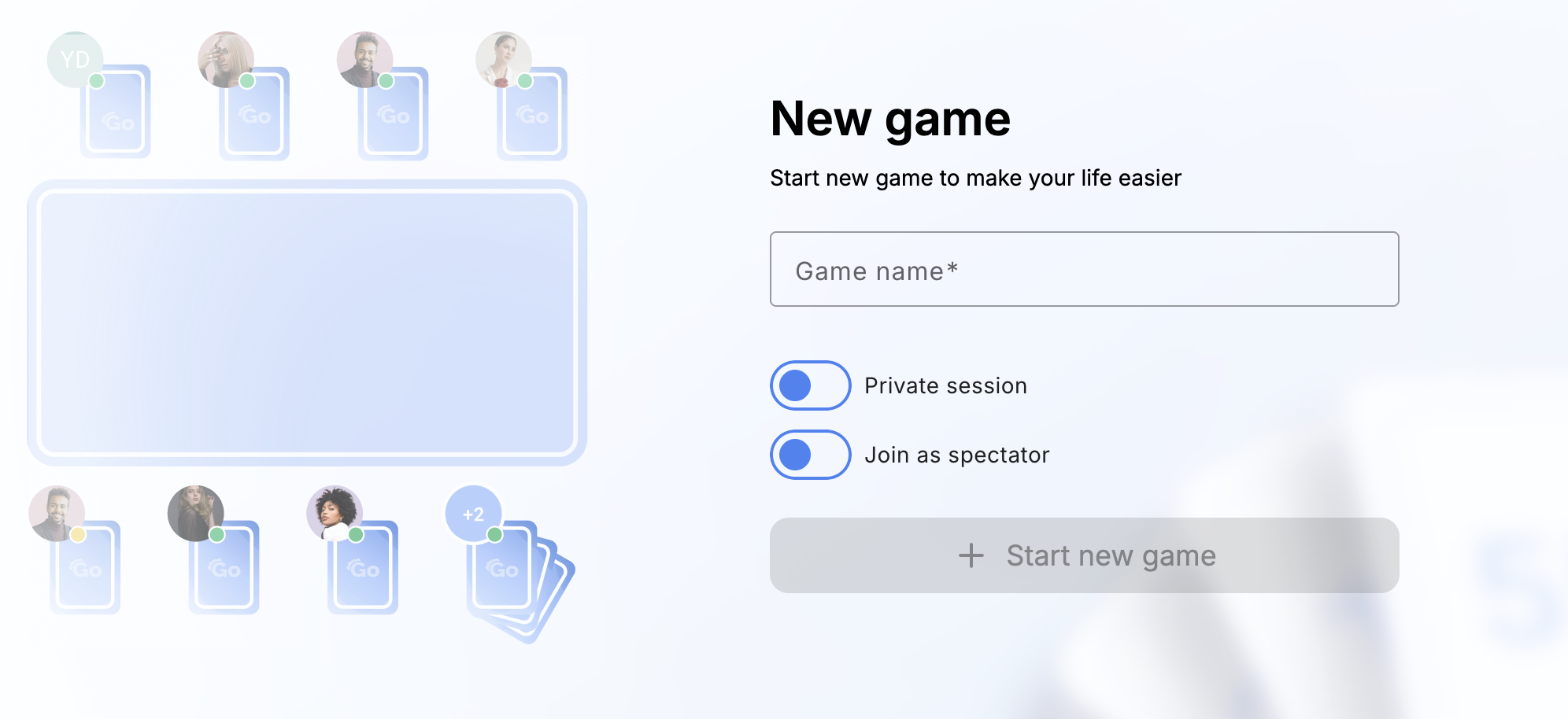
When creating a session, you choose a name for your game and use the estimation scale that is automatically set to Story Points (Fibonacci: 1, 2, 3, 5, 8, 13...) — the industry’s best practice for Agile estimation. You can also optionally connect your Jira project so tickets appear automatically.
Once the session is created, you land in the game lobby where you can invite your teammates and load stories to estimate.
Invite your team: each session has a unique invite link that you can share directly with your teammates. No installation or setup is required — they can join instantly from any browser.
GoAgile.ai supports quick authentication through Google, GitHub, or email link login. As soon as participants join, their avatars appear in the session lobby, ready to start estimating.
Add or import user stories: you can manually add stories by typing titles and short descriptions, or import them directly from Jira. Jira integration automatically pulls story titles, IDs, and descriptions from your connected project so everyone sees the same backlog.
Stories appear in a clean list that everyone in the session can read and discuss before estimation begins.
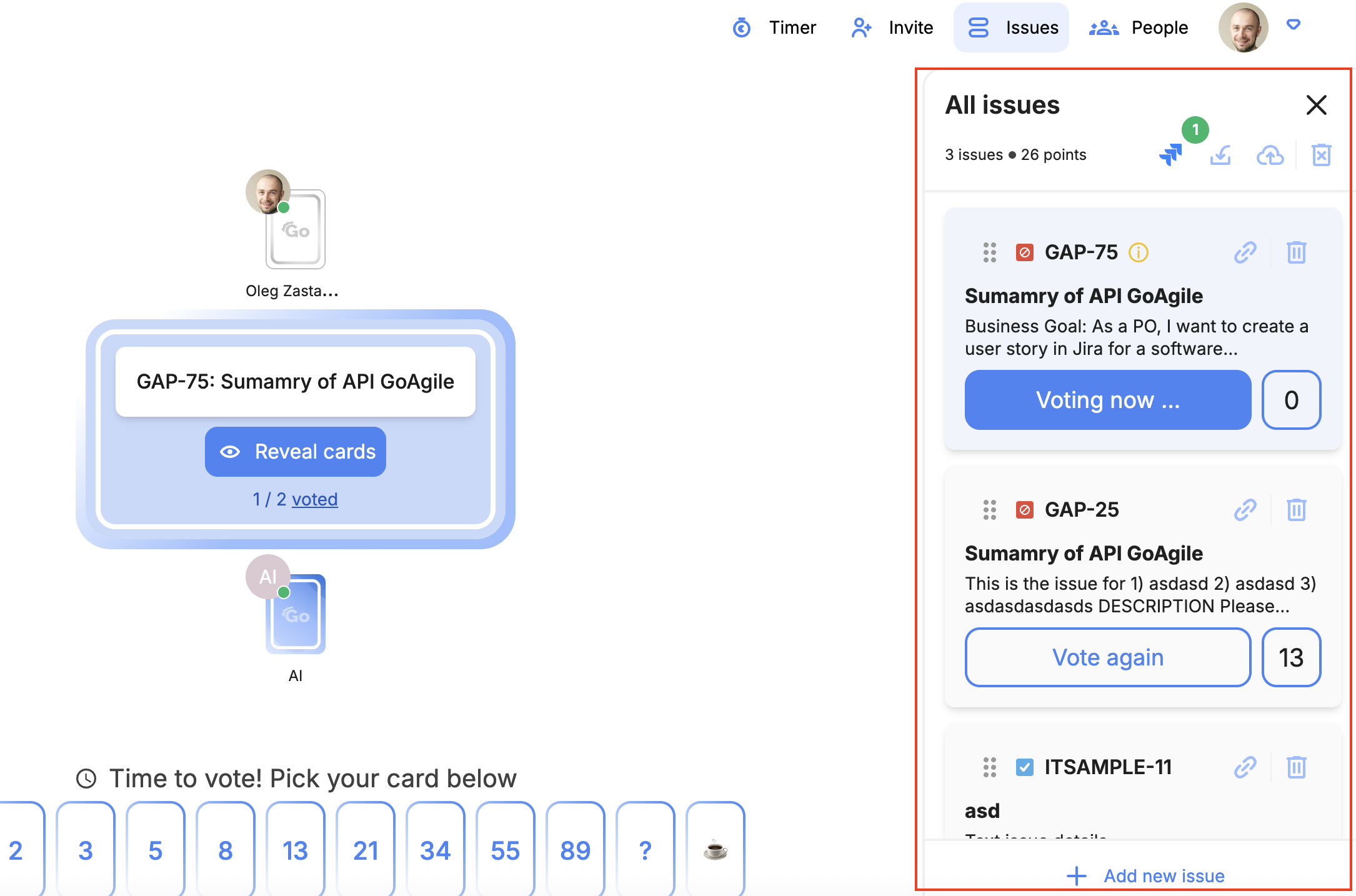
Start voting: when everyone is ready, you click “Start Voting”. Each participant sees the current story and selects a Story Point card from the Fibonacci deck.
GoAgile.ai uses the Fibonacci Story Point deck by default to keep estimates consistent and comparable. You can also enable the timer for a story to keep the discussion focused and prevent the team from spending too long on a single item.
While the team is voting, all votes remain hidden until everyone chooses a value. This avoids anchoring and helps keep estimates independent. Once everyone has voted (or the timer ends), the platform reveals all cards and shows where the team agrees or disagrees.
If AI estimation assistance is enabled, GoAgile.ai can show a suggested range based on your team’s previous sessions — for example, “AI suggests 5–8 points” — which you can use as a reference, not a rule.
Discuss and collaborate in real time: after votes are revealed, you can quickly discuss differences, ask clarifying questions, and capture notes directly in the session. If needed, you can start a revote with a single click.
The built-in collaboration area helps the team stay in the tool instead of bouncing between chat, Jira, and other apps. If AI suggestions are enabled, they appear only after everyone has voted, so they never bias initial choices.
All updates — votes, timers, comments, and story changes — are synchronized in real time, which makes GoAgile.ai especially friendly for remote and distributed teams.
Save and sync estimates: when a final estimate is chosen for a story, GoAgile.ai automatically saves it in the session history. If Jira integration is turned on, the Story Points are synced back to the corresponding Jira issue so there is no manual copy-pasting.

You can then move on to the next story in the list and repeat the same flow: read, discuss, vote, reveal, and confirm.
Review and continue anytime: there is no formal “End Game” in GoAgile.ai. You can leave the session at any time and come back later — all your progress is preserved.
Each session acts as a persistent workspace for estimation. You can reopen it to add new stories, re-estimate existing ones, or review previous decisions before the next sprint planning meeting.
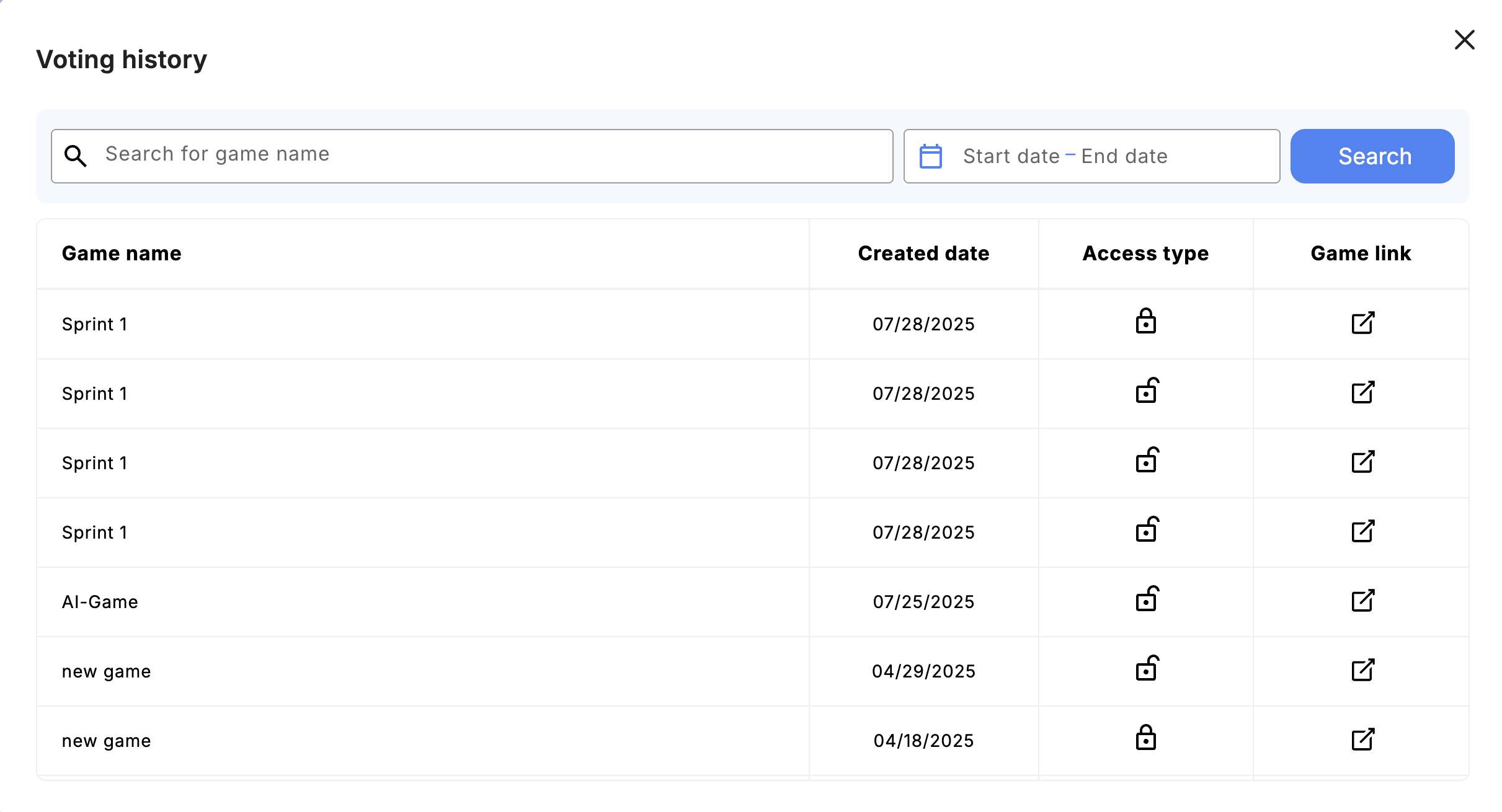
GoAgile.ai also allows you to export session data for reporting, retrospectives, or sharing with stakeholders who were not in the meeting.
Behind the scenes, the AI engine analyzes your team’s estimation patterns over time. It learns which story types usually take more effort, which are typically small, and how your collective judgment evolves across sprints.
This means that future sessions can start with smarter AI suggestions that reflect your real estimation culture, not a generic template.